Getting Started
In Uptempo Campaign Management, the Activities section is where you plan and manage your marketing activities.
To open the Activities section:
-
In Uptempo, click Activities in the navigation menu.
The Activities section opens.
Note
The name of the Activities section is customizable, so it might have a different name in your Uptempo instance.
Activities Section Overview
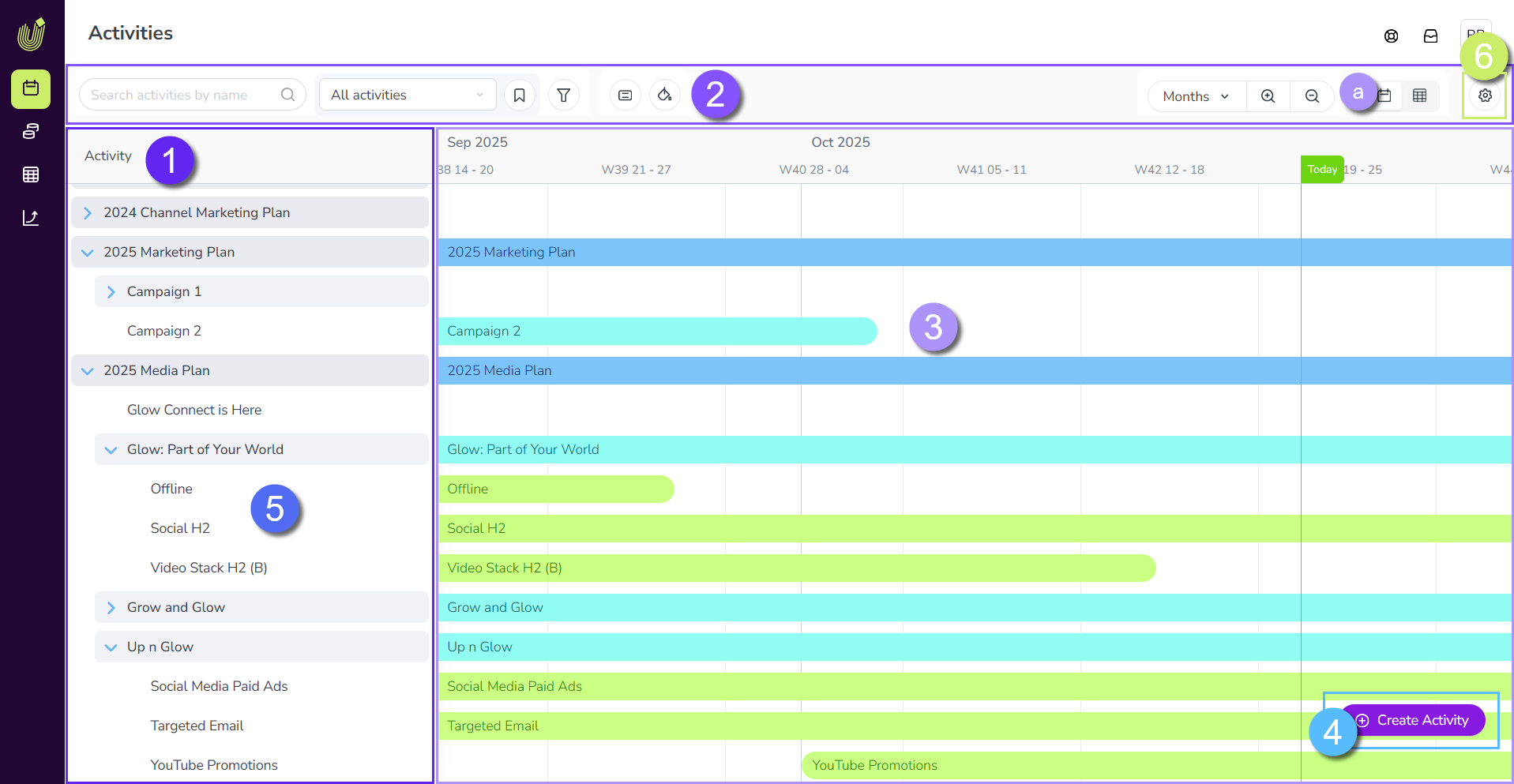
The Activities section consists of the following areas:
-
Activity Hierarchy: Your list of marketing activities, organized hierarchically (for example into plans, campaigns, tactics, etc.).
-
Display Settings Toolbar: Use these controls to set which activities are shown, and how they are displayed. Includes controls for searching, filtering, color-coding, switching between display modes, and more.
-
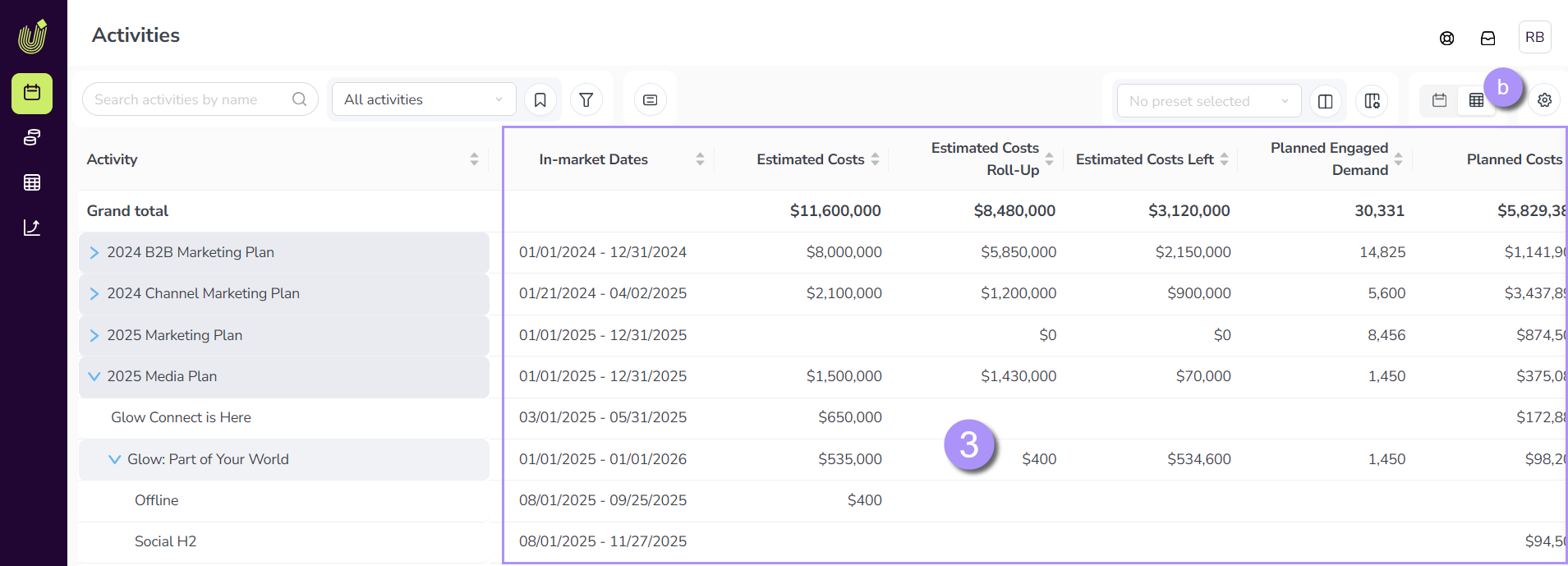
Display Mode: Displays information about the activities in the hierarchy. At any time, you can switch between two different display modes for the activity hierarchy:
-
Timeline (shown): A chronological view of your marketing activities (based on their in-market dates), in which activities are represented as bars on a timeline.
-
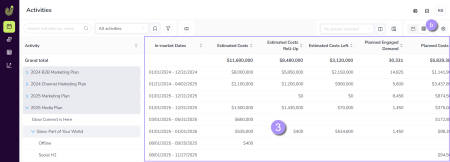
Summary: A customizable table view that shows the details of your marketing activities at a glance.
-
-
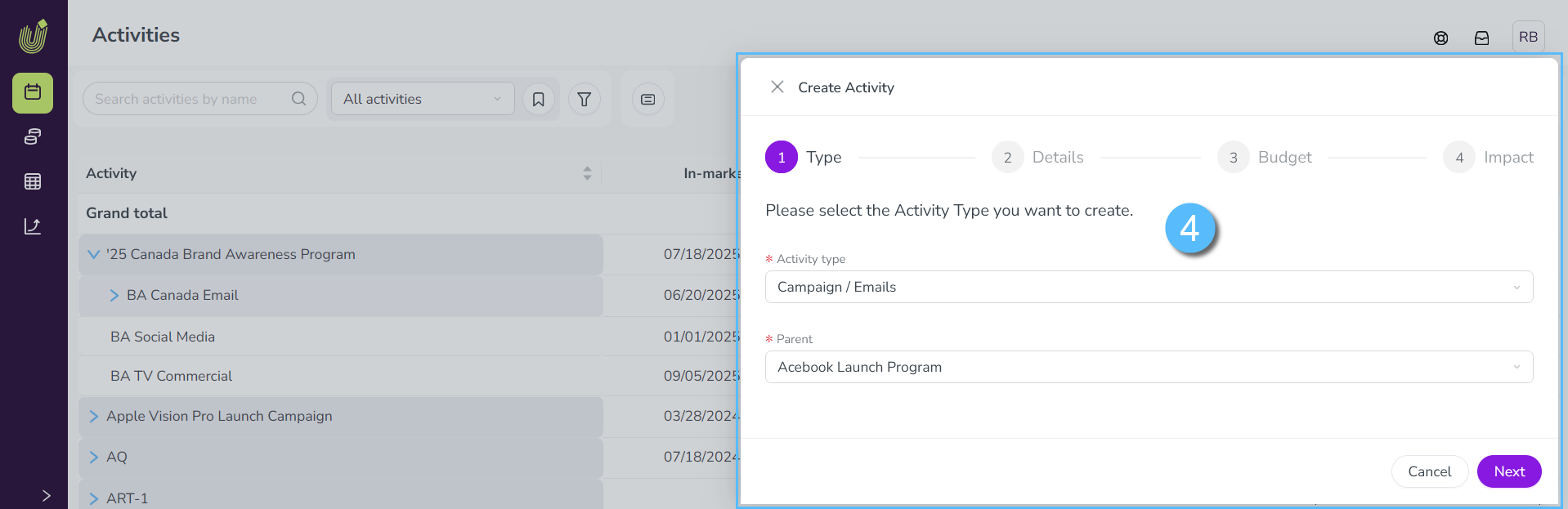
Activity Setup Assistant: Click
 Create Activity to open the setup assistant for creating a new activity, which walks you through the process step-by-step.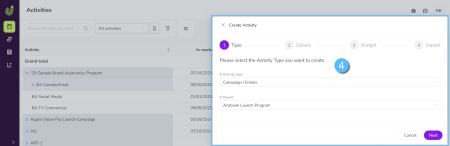
-
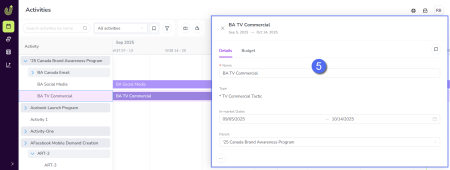
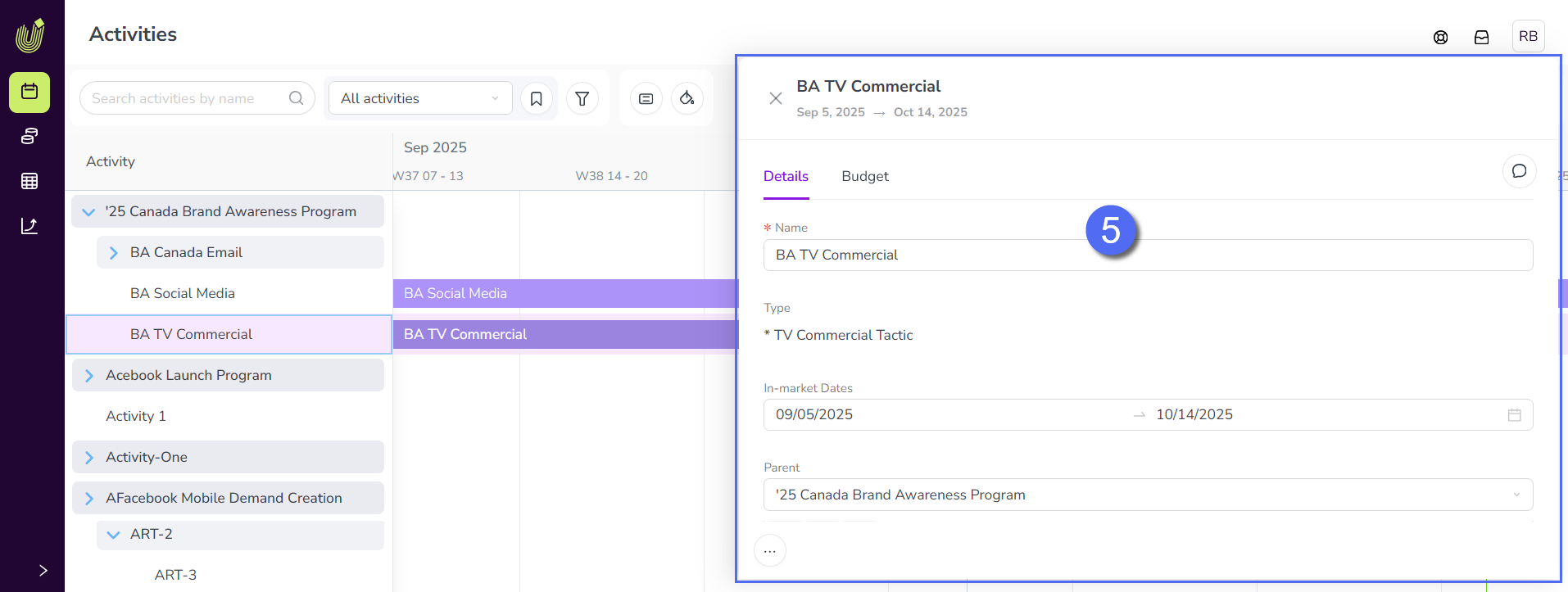
Details Panel: Click any activity to open a panel that displays detailed information about that activity. You can use the Details Panel to see the activity's attributes and set their values, connect and manage funding, record performance data, and more.
-
Activity Configuration: Settings for administrators to configure and customize the activity hierarchy and related features, such as activity types, attributes, performance metrics, etc.
To find out more about each of these areas, see: