 Simplified Creation of the Activity Hierarchy
Setting up the activity hierarchy correctly used to be rather cumbersome: when creating it, you had to manually select the desired type of activity and assign it to the correct parent. This was particularly tedious in an extensive hierarchy.
The August 2024 release offers a simplification: You can create an activity directly under the desired parent. This works in the following places:
-
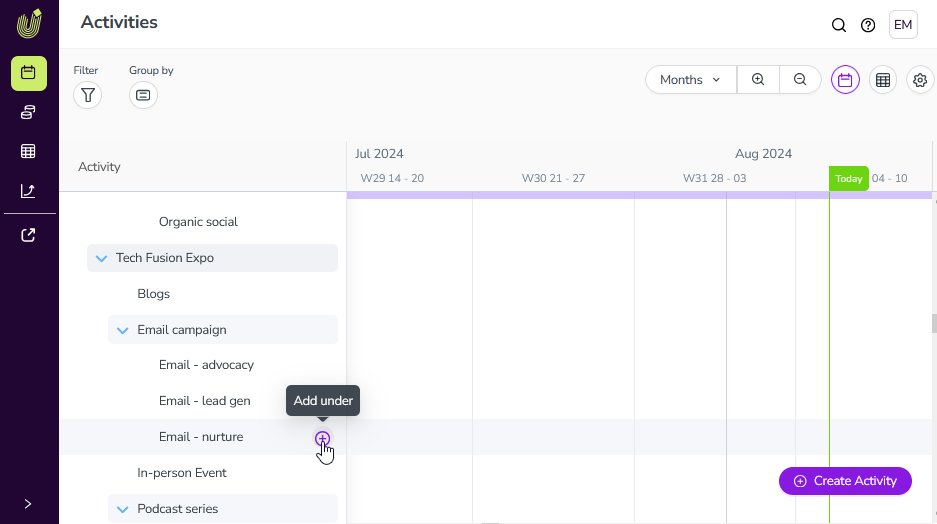
Within the hierarchy in the Timeline and Summary view: If you hover over an activity in the hierarchy, a plus sign appears.
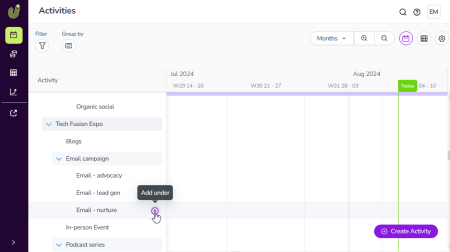
By clicking on the plus sign, a child activity is created under the hovered activity. This option is also available in a filtered or sorted view.
-
In the Details panel of an activity: If you hover over the ... button in the Details panel of an activity, click Create Activity.
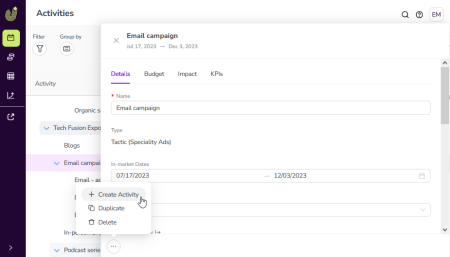
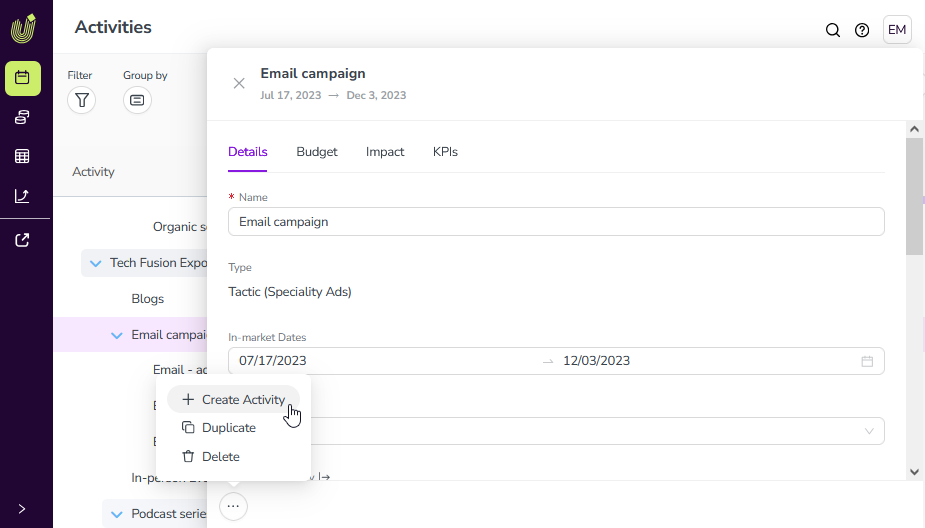
The creation wizard opens. The parent activity is preselected and cannot changed.
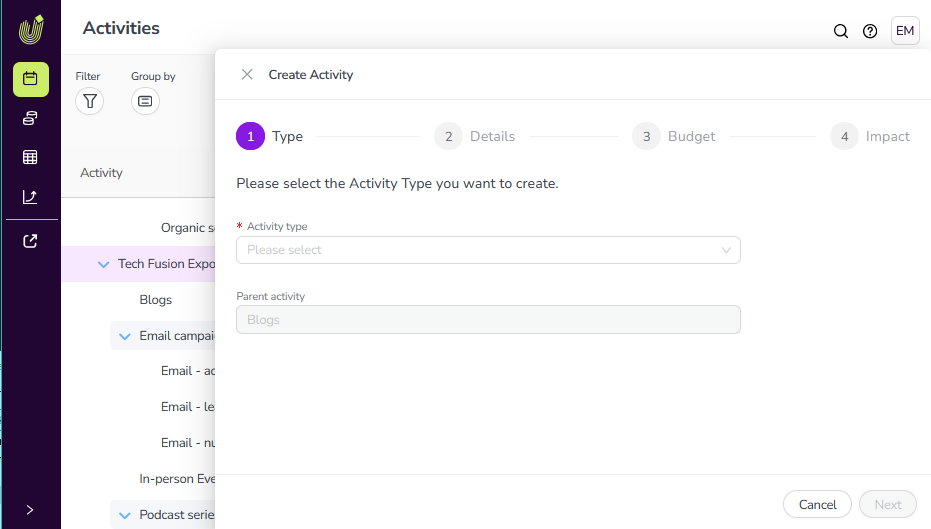
In the Activity Type selection list, you can only select the child activity types permitted for this parent.