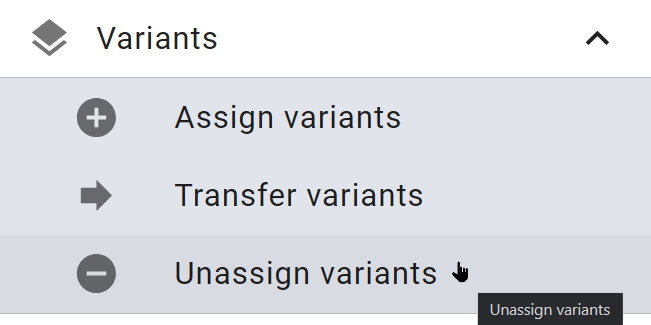
Unassigning Variants
 Unassigning a Variant
-
Open the detailed view of the master asset.
-
Go to the Variants tab.
-
Next to the variant that you want to delete, choose
 .
.A confirmation prompt opens.
-
Click Confirm.
The asset is now no longer a variant.
Unassigning All Variants
-
Open the detailed view of the master asset.
-
Go to the Variants tab.
-
Click
above the list of variants.A confirmation prompt opens.
-
Choose Confirm.
All the variants are removed.
Alternatively, you can remove all variants from a search result without opening the detailed view and without visual inspection. Click > ⋮ > > Unassign variants.